Over the Hill photo mode
Checked 17 October 2026. Updated 2026-10-17.
Over the Hill’s built-in photo mode is confirmed by the launch feature list. Wildlife polaroids serve a different purpose: filling the compendium. Gameplay camera settings must not be passed off as verified photo-mode options.
Two cameras
The 14 October 2026 launch notes list built-in photo mode for landscape stills. The June demo announcement separately describes snapping polaroids of wild animals to populate the compendium. These statements do not document camera-mode interoperability or every condition for a compendium photo.
The studio also ran a photo contest, announced 13 June 2026, with entries on Instagram, TikTok, and X, closed at the end of Steam Next Fest, winners on 30 June. The brief asked for a post with four screenshots. That is evidence people use the camera. It is not a list of toggles.
When the light is worth stopping
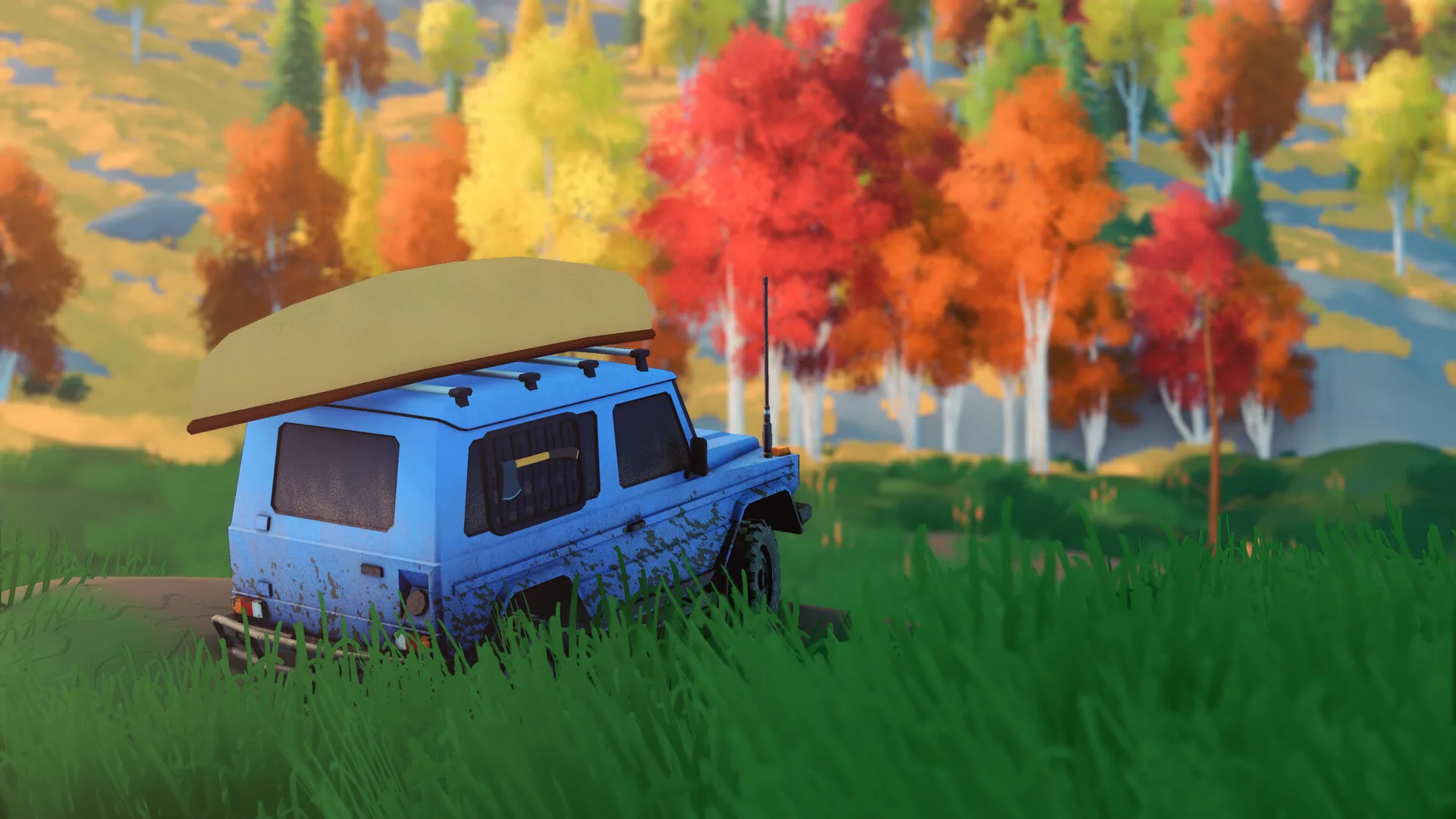
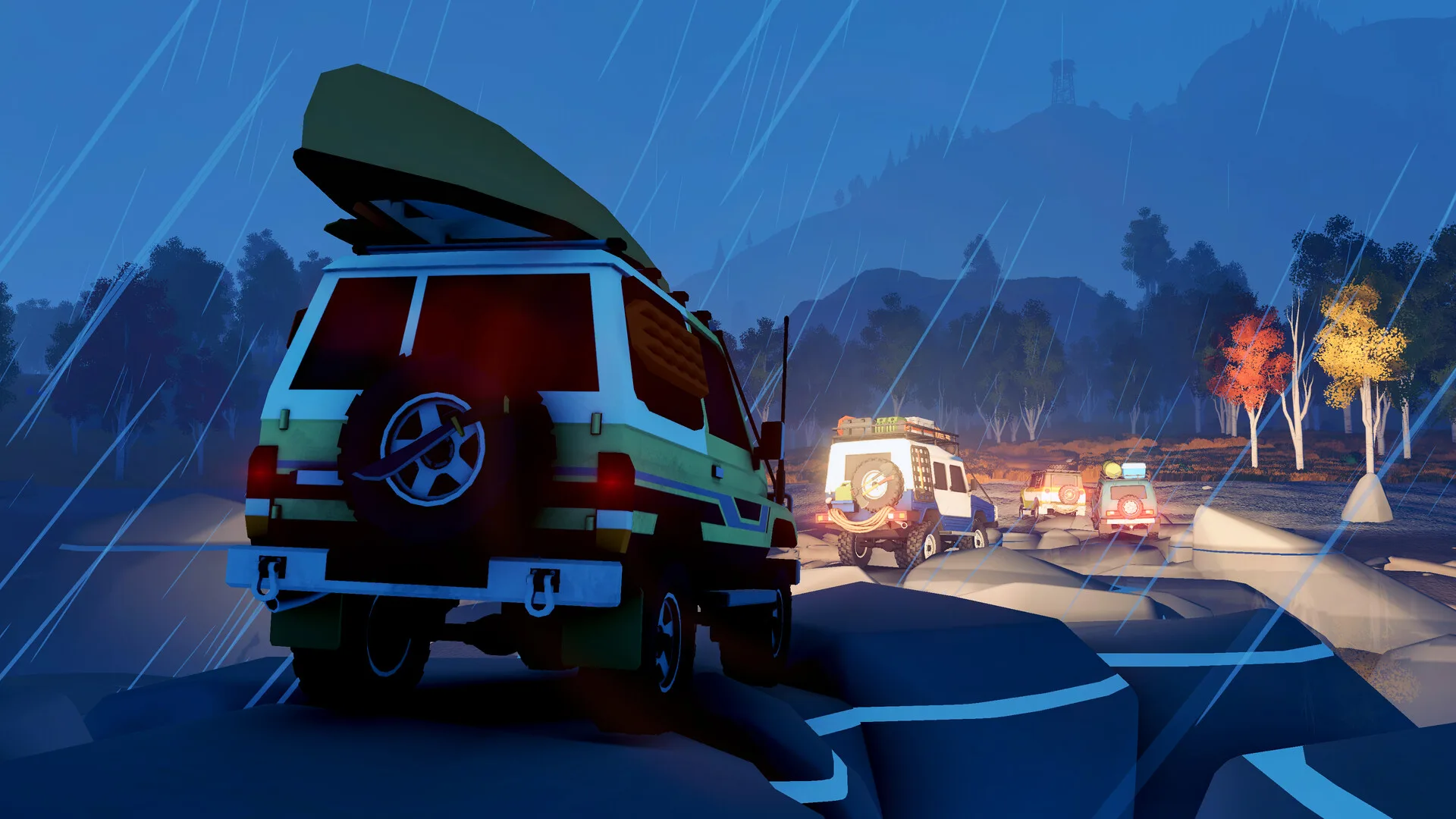
The official screenshot set is mostly golden hour and dusk. Night shots go deep blue, with headlights and lit windows. The composition stacks a sharp foreground, a mid-ground of trees or water, and ridges that fade. Those are art-direction notes from the press images, useful if you are choosing where to park.
I do not know the photo-mode field of view, filters, time-of-day lock, resolution, or whether the HUD hides. Those options were not in the posts I checked. The wildlife loop is on the compendium. The highlighted achievement “Say Cheese!” is on achievements, without a requirement I have not read.
Questions
Does Over the Hill have photo mode?
Yes. The 14 October 2026 feature list includes a built-in photo mode for landscape stills.
Is the polaroid the same as photo mode?
The official demo post describes wildlife polaroids for the compendium, while the launch post describes built-in photo mode for landscape stills. Whether they share controls or can substitute for one another is not verified here.