Over the Hill beginner tips
Checked 17 October 2026. Updated 2026-10-17.
Take the first session as exploration, not a race. The official feature list confirms objectives, recovery tools, changing weather and online co-op. The suggestions below are an editorial starting plan, not a claim of hands-on testing or a verified route through every objective.
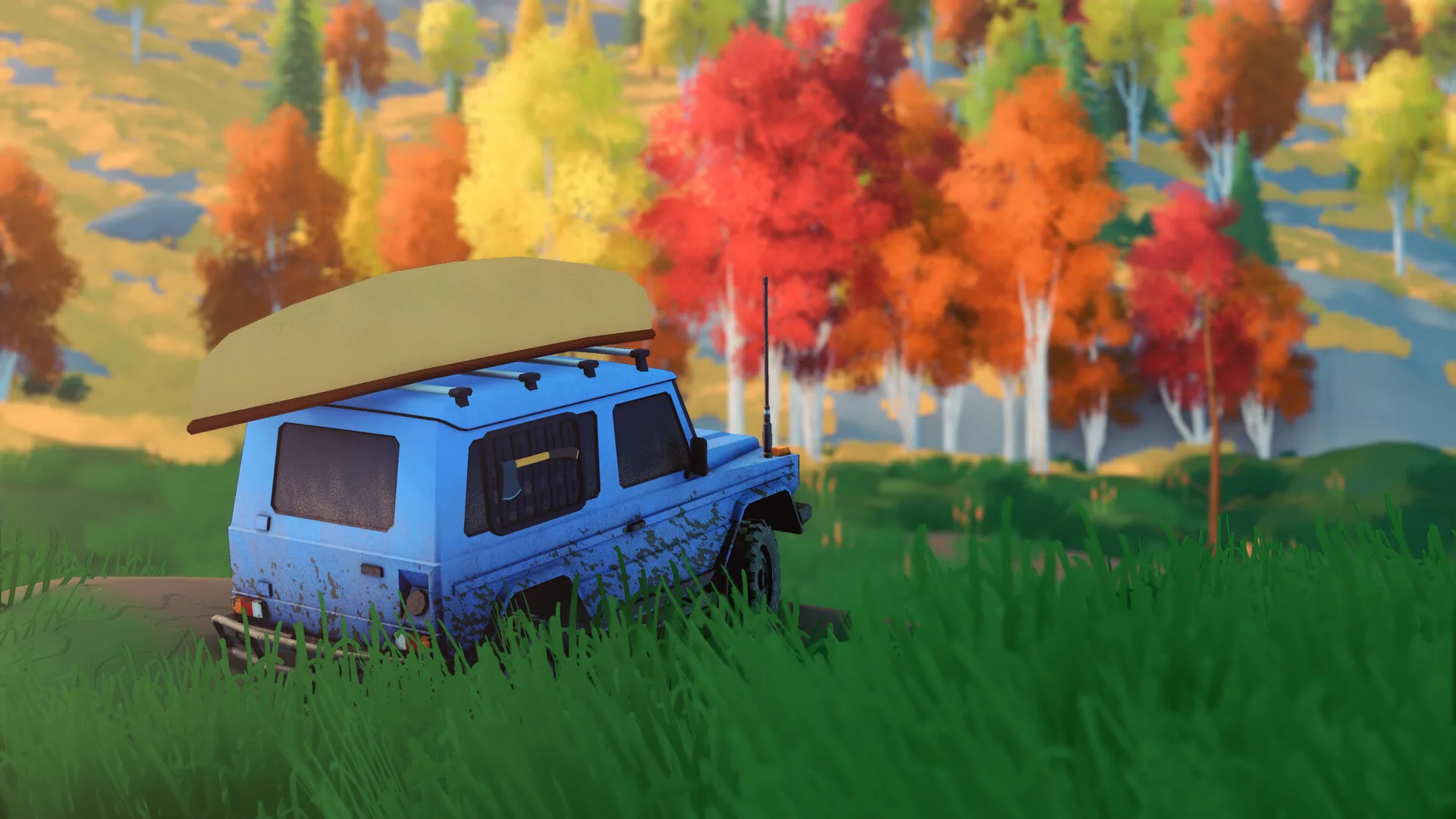
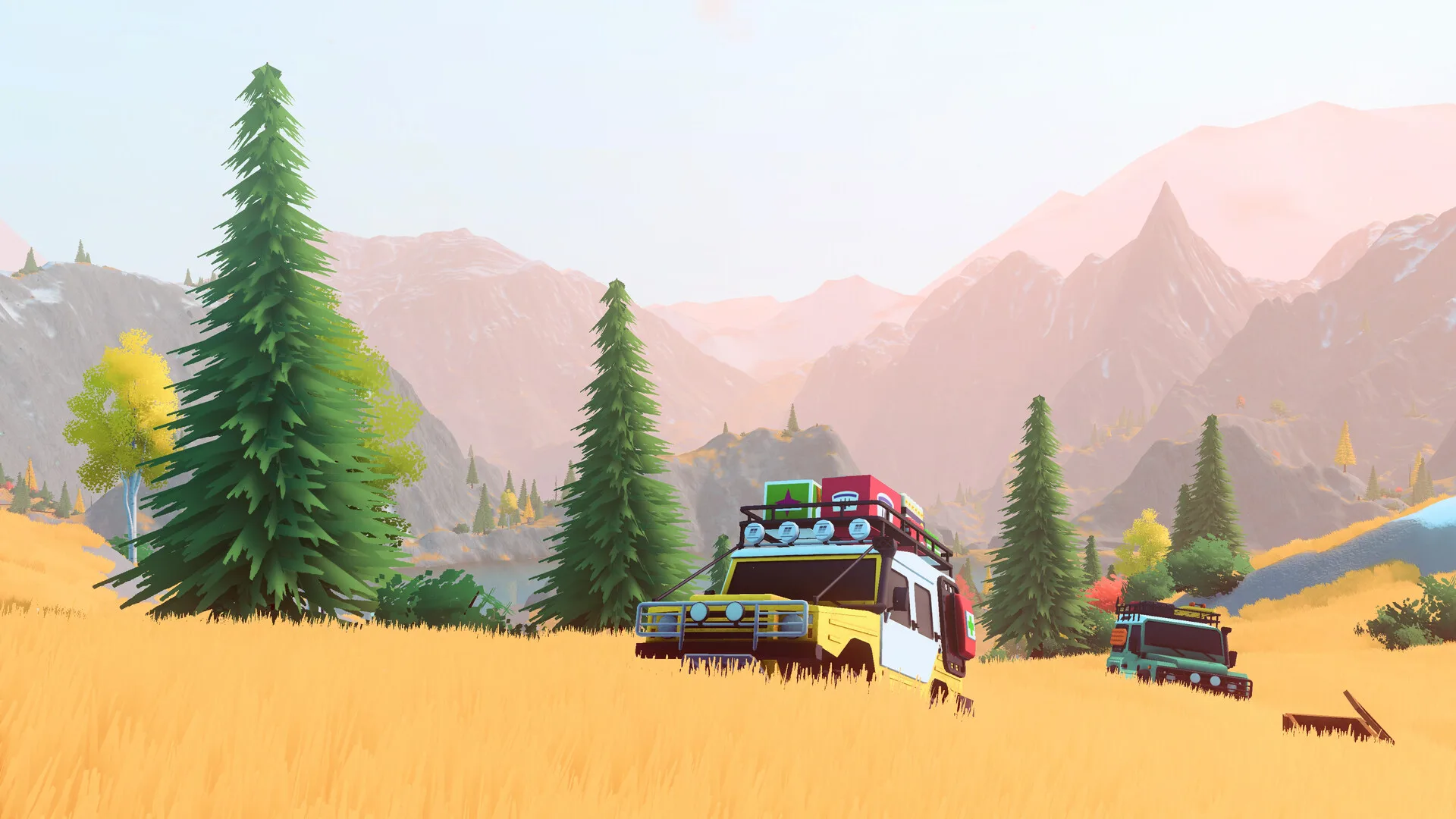
Start with the tools and objectives
Follow the objectives shown in your current area and read their rewards before making a detour. Funselektor says objectives unlock new vehicles, upgrades, customizations and cosmetics. This page does not promise a specific first cabin or an undocumented unlock trigger.
Check the in-game controls for the winch and recovery tools before tackling a difficult section. The demo announcement names winch anchors, repair kits, a camp and a meteorite radar. Exact key bindings, repair effects and camping timers are not independently verified here, so do not plan around a borrowed numeric table.
Progression and playing with friends
The demo announcement names Pebbles as currency for upgrades. Vehicles are described as objective rewards, not a paid car shop. Read meteorites and unlock cars before treating those two progression paths as interchangeable.
In co-op, each player must reach the checkpoint; the host doing it does not complete everyone’s objective. Check each person’s progress before leaving the area. Steam lists play at your own pace and without timed input. If a session stutters or terrain disappears, use PC performance instead of an unverified preset claim.
Questions
What should I do first in Over the Hill?
Read the current objective rewards, inspect the in-game recovery controls, and check each player’s progress before moving on in co-op. This is a suggested approach, not a verified key-by-key walkthrough.
Is there a timer?
Steam lists play at your own pace and without timed input. That accessibility category is not a claim that every optional challenge or mechanic is timer-free.